
SURGE PROTECTION & ELECTRICAL REPAIR COST CALCULATOR | DR. WATTS ELECTRIC
Protect your electronics and maintain your home’s electrical health with transparent repair estimates.
From protecting your sensitive electronics with whole-home surge protection to replacing faulty GFI outlets, maintaining your home’s electrical system shouldn’t be a guessing game. Use our calculator to get an immediate, accurate estimate for essential repairs and protection services.
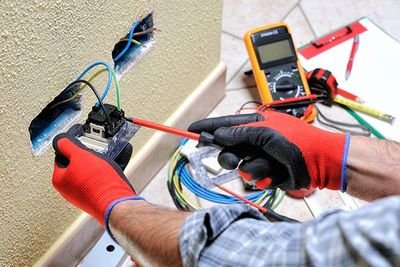
ESSENTIAL SERVICES COVERED
WHOLE-HOME SURGE PROTECTION
Did you know a single lightning strike or power surge can fry thousands of dollars in electronics? Our Whole-Home Surge Protector (Base: $499) installs directly at your main panel, providing a critical line of defense for every device in your home.
DEDICATED 120V CIRCUIT OUTPUT
Running a new appliance, home office, or workshop? A dedicated 120V circuit (Base: $387) ensures you have the power you need without overloading existing lines or causing “flickering” lights.
GFI OUTLET REPLACEMENT
Kitchens, bathrooms, and outdoor areas require GFI (Ground Fault Interrupter) protection for your safety. We replace worn or non-functional GFI outlets (Base: $127) to ensure your home remains code-compliant and safe for your family.
WAM MEMBER BENEFITS
Join the Watts Advantage Membership (WAM) to instantly unlock 10% off these services and all other repairs. Check the WAM box to see your member-exclusive pricing.
WHAT’S INCLUDED IN YOUR ESTIMATE
- D1 Diagnostic ($89): Includes our expert electricians’ travel and a comprehensive diagnosis of your electrical issue.
- Tax Transparency: We automatically include the 8.25% sales tax in your total.
- Professional Guarantee: Our estimates include a ±10% range to account for the specific wiring conditions found behind your walls.
🔌 Electrical Repair & Surge Estimator
Estimate costs for common repairs and whole-home protection.