
Security Lighting Cost Calculator | Accurate Pricing Estimator
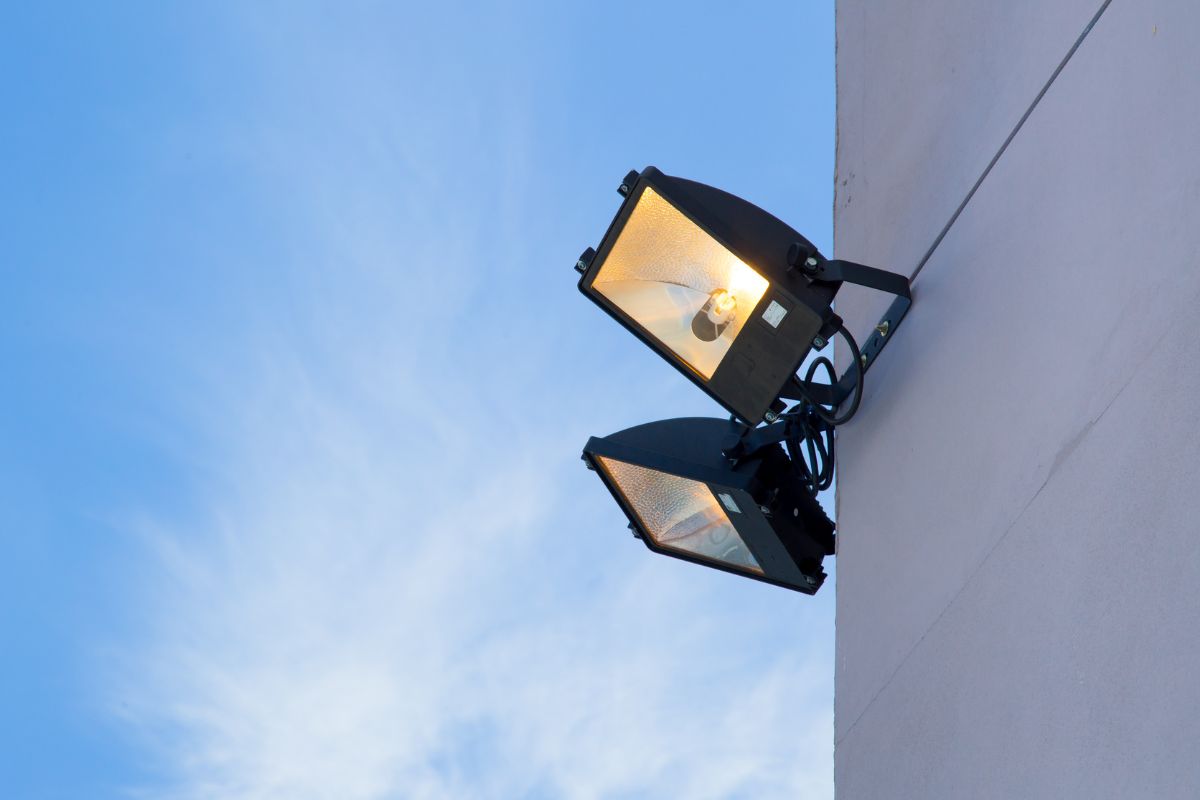
How to Calculate Security Lighting Cost Using This Calculator Step by Step Guide
Using the calculator is simple and helps you plan for both parts and labor. Here’s how:
Step 1: Select Type of Lighting
Choose the lighting style(s) you’re installing:
- Motion floodlights
- Wall sconces
- Smart lights
- Mixed configuration
Each option sets a baseline for fixture and labor costs.
Step 2: Enter Fixture Count
Add the total number of lights you plan to install. You can split by type if needed or use an overall quantity.
Step 3: Input Labor Rate and Install Time
- Use the default ($100/hr) or your contractor’s quote
- Enter expected hours per fixture (1–2 typical)
The calculator multiplies total labor across all fixtures.
Step 4: Estimate Material & Wiring Per Fixture
Use the default of $45/light or customize if you have quotes. This covers electrical components and cable.
Step 5: Add Permit Fee
If required in your area, enter the estimated cost. Use $150 as a baseline.
Step 6: Toggle Optional Features
Click to include any of the following:
- Timer module
- Smart integration
- Camera attachment
Each item adds a fixed cost per install location.
Step 7: Adjust Complexity Multiplier
- 1.0 for easy access (open walls)
- 1.2 to 1.5 for trenching or tall mounting
This impacts labor and wiring cost line items.
Step 8: Set Contingency Buffer
Leave the default 7% or increase if you expect tough terrain, old wiring, or add-ons.
Step 9: Click “Calculate Estimate”
The calculator provides a full cost breakdown:
- Fixture costs
- Labor total
- Wiring/material cost
- Add-on feature costs
- Permit & contingency
- Final estimated range (low/high)
Step 10: Export Estimate to PDF
Click “Export to PDF” to save a formatted version of your estimate. Ideal for:
- Contractor bidding
- Planning outdoor upgrades
- Budgeting home security improvements
Security Lighting Cost Calculator
Key Cost Factors in the Security Lighting Calculator
Our calculator is designed to reflect realistic pricing for outdoor and perimeter lighting installations. It includes the following factors:
1. Type of Security Lighting
You can select from various lighting types:
- Motion-activated Floodlights ($75–$200 each)
- Wall-Mounted Sconces ($40–$150 each)
- Dusk-to-Dawn LED Fixtures ($60–$180 each)
- Smart Security Lights with Cameras ($150–$300 each)
Each fixture type varies in hardware cost, installation complexity, and wiring needs.
2. Number of Fixtures to Install
Enter how many lights you plan to install. Most homes use:
- 2–4 floodlights (corners, driveway)
- 1–2 sconces (entryways)
- Optional: smart lights at key access points
The calculator multiplies per-fixture cost and labor accordingly.
3. Labor Rate and Hours per Fixture
Electricians typically charge:
- $75–$125/hour (adjustable)
- Installation time: 1–2 hours per light depending on wiring
If trenching or new wiring is needed, time increases. You can customize this in the calculator.
4. Wiring & Material Costs
In addition to fixture cost, material pricing includes:
- Junction boxes, conduit, connectors
- Low-voltage wiring or Romex cable
- GFCI outlets or new switches
Typical wiring/material costs: $30–$60 per light depending on layout.
5. Permit & Inspection Fees
Outdoor lighting may require permits if wiring is new:
- Permit fees: $75–$250 depending on jurisdiction
- The calculator allows you to enter your local value
6. Add-On Features
Optional upgrades you can toggle:
- Timer or Photocell Switch (+$50)
- Wi-Fi Smart Integration Module (+$75)
- Camera Integration for Smart Lights (+$150)
These add functionality and impact the final cost.
7. Site Complexity Factor
Not all installs are equal. If your project includes:
- Trenching for detached garage or yard pole
- Hard-to-access mounting areas
Use a complexity multiplier (1.0–1.5) to adjust labor and wiring estimates.
8. Contingency Buffer
The calculator includes a 5–10% contingency to account for:
- Additional wiring lengths
- Unexpected access challenges
- Change orders or material upgrades
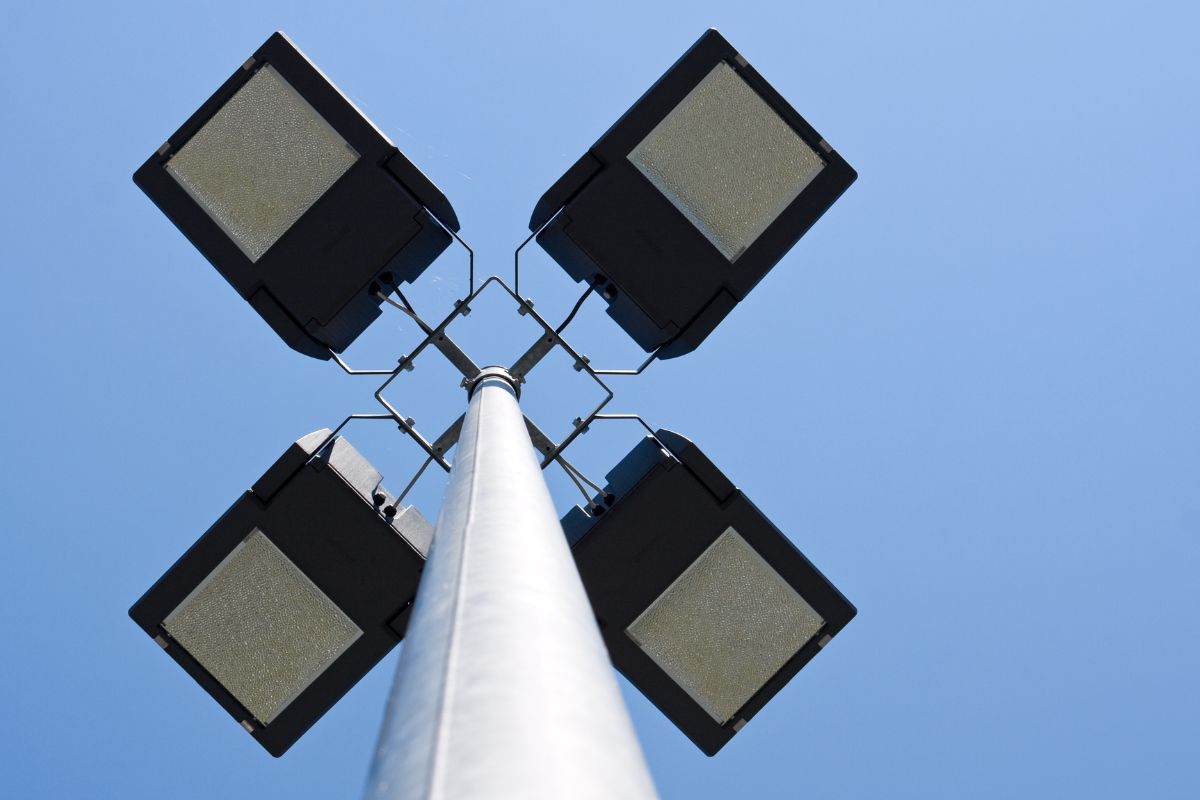
Why Use a Security Lighting Cost Estimator?
Security lighting improves curb appeal and deters intruders—but without a budget tool, costs can vary wildly.
With our Security Lighting Cost Calculator, you can:
- Compare basic vs smart lighting solutions
- Understand full install costs before you commit
- Plan upgrades by priority and property zone
Try the calculator today and take the guesswork out of your outdoor lighting installation.